One of 5 free tools in the BskySuite Bluesky toolkit
Bluesky Video & Image Downloader
Paste any Bluesky post link and download video, GIF, or images instantly. Free, HD quality, no watermark.
Personal use only. Respect creator copyright.
Add to Chrome, FreePaste a Bluesky post URL above and press Download.
How to download Bluesky videos
Three steps, works on any device, completely free.
Copy the post link
Open Bluesky, tap the three-dot menu on any post, and select "Copy link to post".
Paste & click Download
Paste the URL in the input box at the top and click the Download button.
Save to your device
Click your preferred format. The file saves directly, no app or extension needed.
Why use BskySuite Downloader?
Fast, clean, and built on the open AT Protocol.
Instant results
Media fetched directly from Bluesky CDN with no processing delays.
No watermark
Download the original file exactly as uploaded. No logos added.
No data stored
URLs you paste are never saved. Everything runs per-request.
Works on iPhone & Android
Touch-optimised layout that works on every screen size.
How BskySuite works with the open AT Protocol
Bluesky is built on the AT Protocol, an open, decentralised standard where posts are publicly addressable by design. BskySuite uses the same official public API that Bluesky's own apps use. We only access public posts, never private or restricted content. We do not scrape, we do not bypass any access control, and we never store the media or the links you paste. Each request is handled live and then discarded. The media is streamed directly from Bluesky's CDN to your device.
Understanding Bluesky media downloads
What actually happens when you save a video or image, and why quality differs.
Why Bluesky has no save button
Neither the Bluesky mobile app nor bsky.app in a browser includes a native option to download a video or save an image at full size. This is not an oversight so much as a common design choice across social platforms: media is streamed for playback rather than offered as a file. Browsers deliberately make streamed media awkward to save directly, which is why right-clicking a Bluesky video does not produce a usable download and why long-pressing on a phone often saves nothing at all.
What makes Bluesky different from closed platforms is that the underlying media is genuinely public and addressable. Every public post lives in a data repository that anyone can read through the AT Protocol. A downloader does not need to break anything or pretend to be you. It simply resolves the post link to the original file that Bluesky already serves, then hands that file to your browser as a normal download.
What quality you get, and why it matters
The single biggest advantage of downloading over a workaround like screen recording or screenshotting is that you receive the original file. Bluesky stores video as MP4 (H.264 video with AAC audio), which is the most broadly compatible format in use today, and images as JPEG. When you download through BskySuite, you get that source file untouched: the same resolution, the same bitrate, and the same audio track the creator uploaded, up to 1080p.
A screen recording, by contrast, is capped at your device's screen resolution, captures whatever interface elements happen to be on screen, and frequently drops frames or drifts out of audio sync. A screenshot of an image is limited the same way and often includes borders, buttons, and surrounding text. If you plan to re-edit, archive, or share the media anywhere else, starting from the original file rather than a re-captured copy makes a visible difference.
Media types you can save
Bluesky posts can carry several kinds of media, and each behaves slightly differently:
- Video downloads as an MP4 file at the original resolution. Longer clips are served in segments for streaming, which the tool resolves for you.
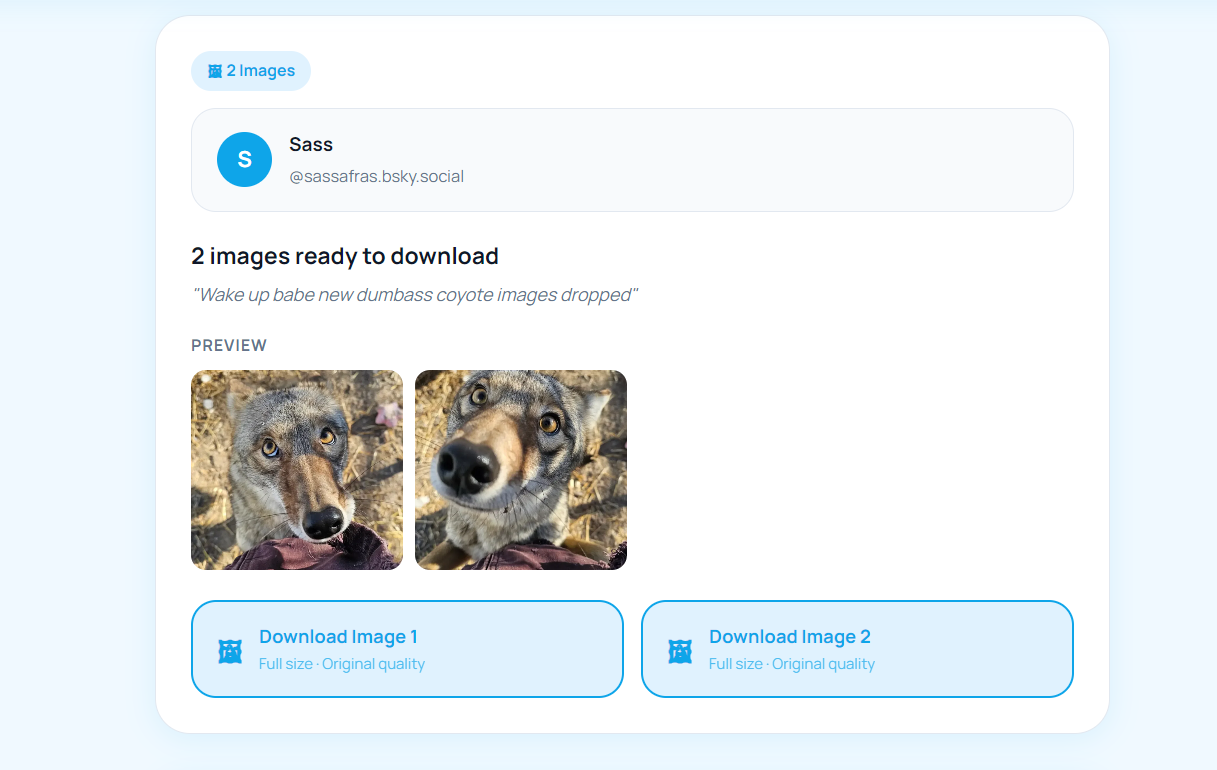
- Images download at full size. A single post can hold up to four images, and each gets its own download button so you can save one or all of them.
- GIFs are a special case. Many GIFs on Bluesky come from Tenor or Giphy and are hosted by those services rather than Bluesky, and some are stored as short MP4 files for better compression. Playback looks identical either way.
- Link previews include a thumbnail image, which can also be saved if you need the preview card artwork.
Device differences worth knowing
The tool runs entirely in your browser, so it works the same on Windows, macOS, Android, and iOS without installing anything. The one place behaviour genuinely differs is iOS. Safari handles downloads through the Files app rather than saving straight to your camera roll, so a video may open in a new tab instead of downloading immediately. When that happens, press and hold and choose Download Linked File, then move the file from Files into Photos if you want it in your library. This is an iOS browser restriction rather than a limitation of the tool. On Android, Chrome saves directly to your Downloads folder and the file usually appears in your Gallery automatically.
What this tool will not do
Being clear about limits is more useful than overpromising. BskySuite cannot access posts from private or protected accounts, because it uses no login and has no way to see content that Bluesky does not serve publicly. It cannot recover deleted posts, since the media is gone from Bluesky's servers once removed. It does not bulk-download an entire profile, and it is not a scraper or an archiving service. Each request handles one post link at a time and nothing is stored afterwards.
Copyright and using what you save
Downloading a public video or image for personal use, such as watching offline or keeping a reference, is generally uncontroversial. What matters is what happens next. The media still belongs to whoever created it, and a public post is not a licence to reuse the work. Do not repost someone else's media as your own, and do not use it commercially without permission or credit. If you are unsure, the simplest approach is to ask the poster or credit them clearly. We cover the topic in more depth in our guide on whether it is legal to download Bluesky videos.
Frequently asked questions
Common questions about Bluesky media and tools.